Many organizations run an automated accessibility checker, see a good score, and feel finished. The score is worth having. It is not the whole story.
What automated tools do well
Automated tools are fast and consistent. They can catch missing image descriptions, low color contrast, missing form labels, and some code errors. Running them often helps your team find common issues early.
What they cannot judge
A tool cannot tell whether an image description is useful, whether a page makes sense when read aloud, or whether a form is easy to complete with a keyboard alone. These questions need a person.
- Can someone move through every page using only a keyboard, and always see where they are?
- Does the reading order make sense with a screen reader?
- Are link names clear out of context, such as "Read the volunteer guide" instead of "Click here"?
- Is the language plain enough for your audience?
- Do videos have captions, and do documents work for assistive technology?
Accessibility is a practice
A website changes every time someone adds a page, uploads a document, or embeds a form. Accessibility needs to be part of how those changes are made.
Launching an accessible site is one milestone. Keeping it accessible is the work that follows.
That means training the people who edit content, reviewing new features before they go live, and checking the site again on a regular schedule.
A note on standards
Many organizations design toward WCAG 2.1 Level AA, a widely used set of guidelines. It is a strong target. Still, it is a target and a practice, not a certificate, and no honest partner can promise that every page will be perfect at all times.
Where to begin
- Review your most-used pages with a keyboard, without using a mouse.
- Check that every image, form field, and button has a clear name.
- Ask your content team how they handle images, documents, and video.
- Publish an accessibility statement with a way for visitors to report problems.
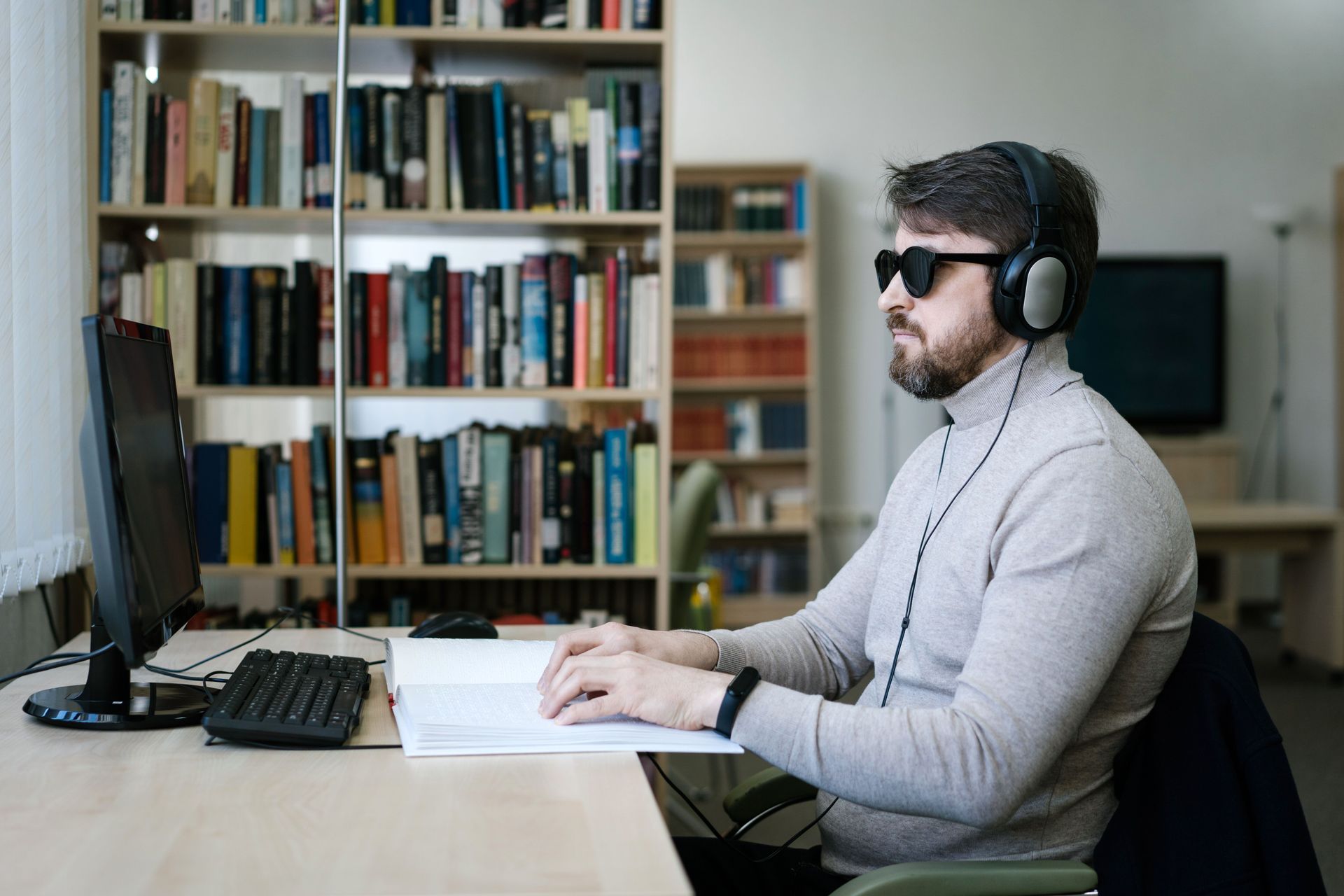
People who rely on assistive technology are part of your community. Making your site work for them is part of serving your mission.
- accessibility
- WCAG
- nonprofit website